Last Article Update: July 10, 2025
Welcome to ELISA. The ELISA June 2025 Release contains numerous improvements, including a redesign of the website and additional information on Dual-Use cases. There is an improvement to security, a printing-related change, and other changes.
The following topics are discussed in this section:
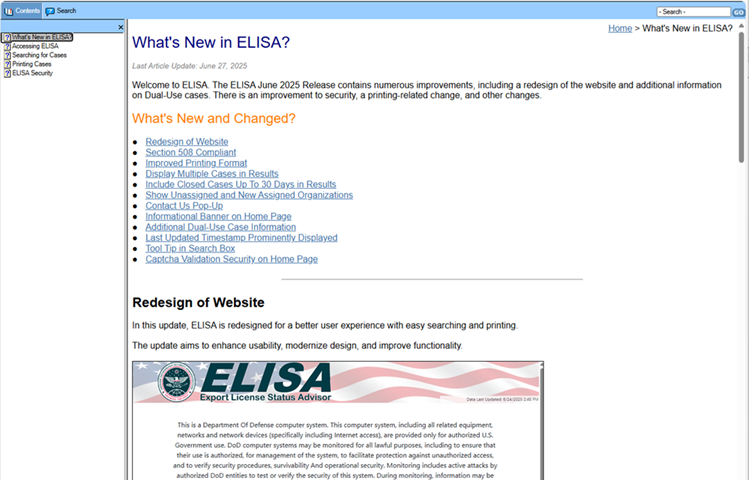
In this update, ELISA is redesigned for a better user experience with easy searching and printing.
The update aims to enhance usability, modernize design, and improve functionality.
For more information on searching for cases, see Searching for Cases. For more information on printing cases, see Printing Cases.
With the ELISA update, ELISA has been updated to be Section 508 compliant meeting all applicable accessibility standards to ensure equal access for individuals with disabilities.
In this improved feature, ELISA provides a nicely formatted, user-friendly print feature that ensures case details and relevant data are printed in a structured, readable format from directly from the web interface.
The output is optimized for clarity, spacing, and alignment, avoiding unnecessary elements that could clutter the printer material.
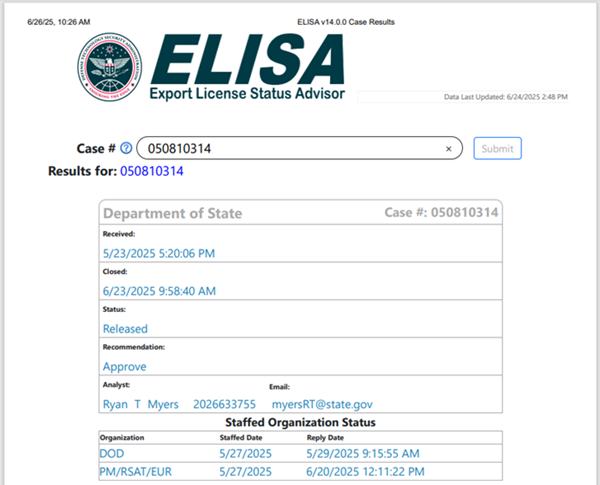
With this feature, ELISA supports displaying multiple cases simultaneously within a single page.
Each case is presented in a distinct but organized layout.
ELISA allows you to show closed cases for up to 30 days after they're closed; previously, closed cases were only retained for 15 days.
When searching for a case that has been closed for a duration between 30 and 180 days, ELISA will now return the message: "Case found, however, no details are available," instead of indicating that the case cannot be located.
This response confirms the existence of the case and validates your search, while also notifying you that detailed case information is not accessible via the ELISA interface for the specified case.
With the ELISA update, organizations staffed a case and in an "Unassigned" or "New" in USXPORTS are now shown in the case details in ELISA; previously, they were hidden until the organization acknowledged the case.
A Contact Us link in the footer provides a quick and convenient access to the Help Desk contact information by email or phone.
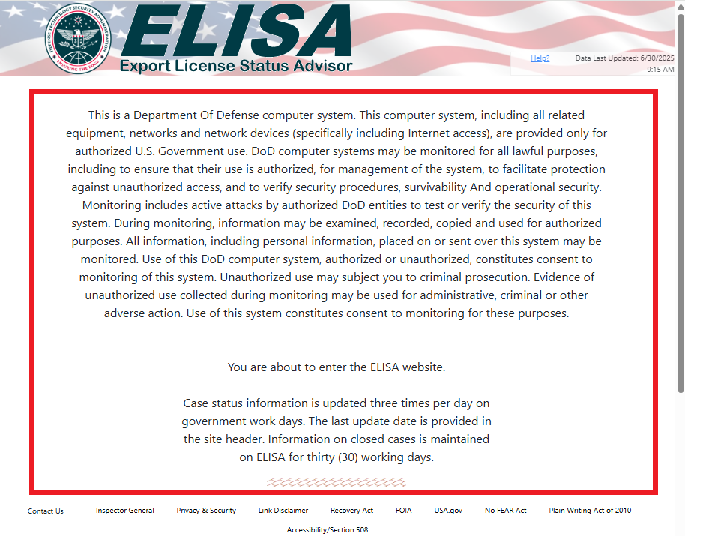
With this feature, ELISA displays an information banner on the home page that communicates to users the following information:
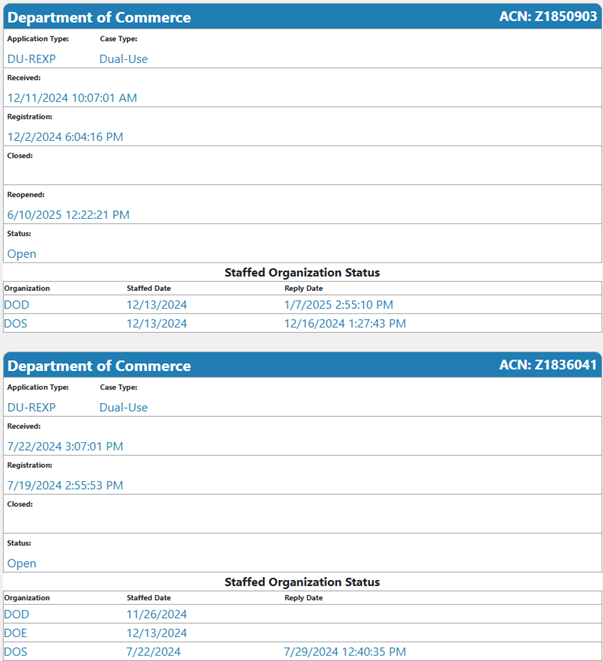
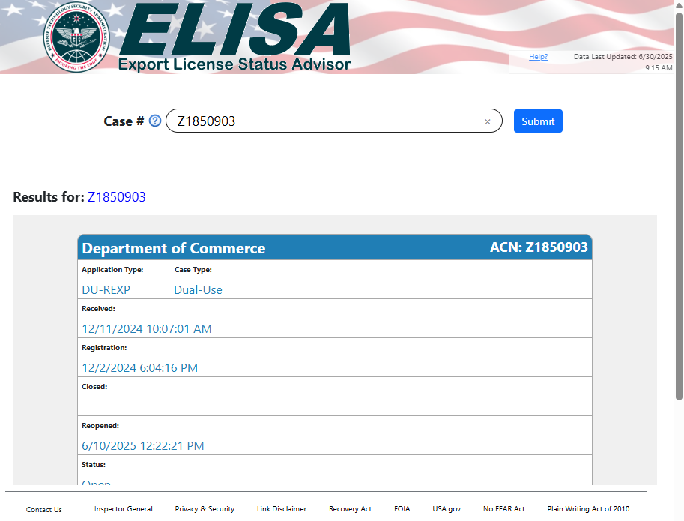
Viewing the Department of Commerce status on a Dual-Use is now available. Information previously only available in STELA is now displayed in ELISA.
For example, you can view the ACN, Case Number (if approved), Registration Date, Status (as it appears in USXPORTS), as well as BIS/EA's Completion Date, Final Decision, and Reopen Date.
With this feature, ELISA prominently displays the last updated timestamp across multiple sections of the web site, rather than limiting it to the bottom of the case details page.
This feature ensures that users can quickly verify the freshness of information without navigating to a specific location.

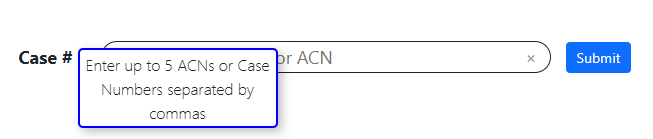
In this update, when you click in the search box, a helpful tip appears informing you that you can search up to five ACNs or case numbers (separated by commas).
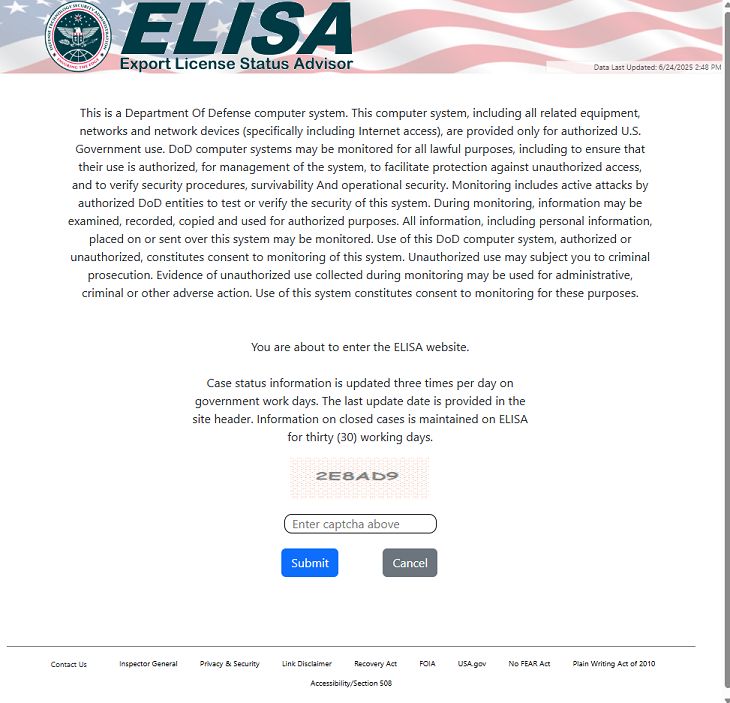
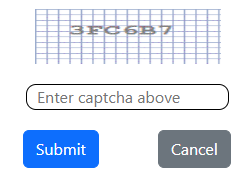
A new Captcha validation security feature has been implemented on the home page to verify users before allowing access to the web site. This security measure helps prevent automated bot attacks, unauthorized access, and fraudulent activity by requiring users to complete a validation step before entering the website. Failed verification prevents site entry and prompts users to retry.
Use the Help? link located in the top right of every page of ELISA to get help.
Online Help is an integrated WebHelp system in ELISA that gives you access to application content.
Help topics include: What's New in ELISA?, Accessing ELISA, Searching for Cases, Printing Cases, ELISA Security and Getting Help.